Vidnoz AI – AI Lip Sync Tool
Free AI video generator with AI avatars and AI voices.
Check the provider’s current features, pricing, account requirements and terms. A listing is not a test or verification of commercial-use, voice or likeness rights.
Visit Vidnoz AI Vidnoz AIAIRapHub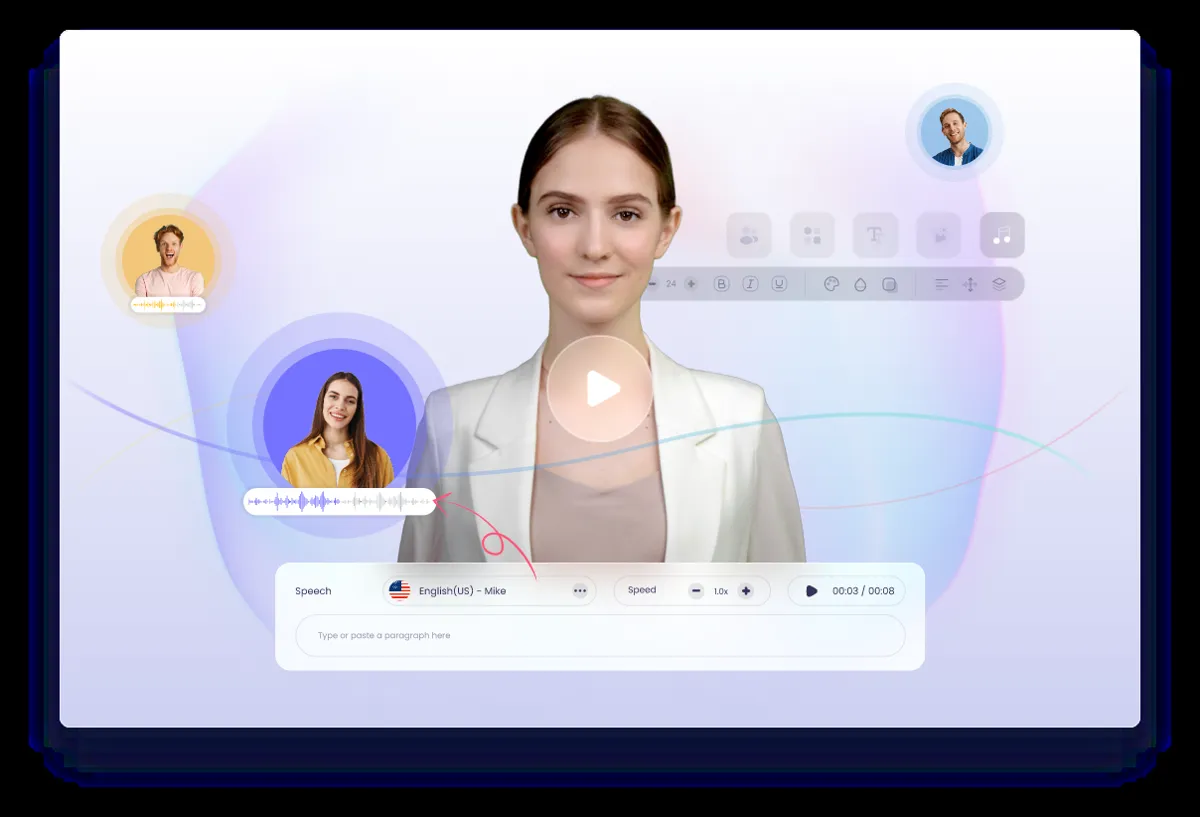
AI Lip Sync Tools
Tool Facts
- Category
- AI Lip Sync Tools
- Platforms
- web
- Last updated
About Vidnoz AI
Free AI video generator with AI avatars and AI voices. This listing is filed under AI Lip Sync Tools. Use the recorded summary to identify a possible fit, then confirm the details on the provider’s site; category membership is not a promise that every workflow discussed below is available.
Pricing is not recorded for this listing. Recorded platforms: web. These labels do not describe a particular allowance, export license or device requirement. Check current terms before choosing a plan. See the official provider site for the current offer and documentation.
How to evaluate Vidnoz AI for your project
Use the questions below as a comparison plan, not as a list of included features. Start with the provider’s documentation, then try the smallest authorized sample that represents your real project. Write down what a usable result needs to contain before generating anything. This makes it easier to distinguish an interesting preview from an output you can actually edit, download and publish.
- Source compatibility: confirm whether the provider accepts a still portrait, an existing video or an avatar, and whether you must supply finished audio. Check guidance for face visibility, head angles and multiple speakers before selecting footage for a trial.
- Synchronization: test quick syllables, a closed-mouth pause and a sustained sound using authorized material. Watch at normal speed, then inspect teeth, face edges, profile views and head turns. A convincing frame does not demonstrate accurate timing throughout a clip.
- Editing handoff: ask which resolution, frame rate, duration and audio formats can be exported. Check the downloaded result in your intended editor and after trimming; alignment in a browser preview does not replace reviewing the final assembled file.
- Export and cost: read the provider’s current limits for output length, file size and format. Check whether the result you need can actually be downloaded, whether a watermark remains, and which actions consume an allowance or require payment. Work out the cost of revisions as well as the first attempt. A pricing label is a starting point for comparison, not a quote for your project.
- Rights and permissions: identify every input you plan to supply and who authorized its use. Check commercial-use and attribution terms for the relevant plan, plus any separate voice, likeness, sample or model restrictions. Do not interpret access to a library or a successful generation as proof of consent. If another person is recognizable, agree on the intended context before creating or sharing a performance.
- Upload privacy: find out how long the provider retains inputs, whether they may be used for training, who can access shared projects and how deletion works. Use non-sensitive trial material while you investigate. If the policy does not explain what happens to your recordings, photos or text clearly enough for your needs, do not upload confidential material simply to see whether the workflow works.
Frequently Asked Questions
Alternatives in AI Lip Sync Tools
These published listings share the same directory category, not necessarily the same inputs, controls or license. Compare their recorded summaries, then apply the evaluation questions above to the workflows that match your project. This is a discovery list, not a ranking or a claim that the tools are interchangeable.
AI video lipsync and visual dubbing platform available via API or web studio.
Creates AI videos with a personal avatar of your face and voice, without filming every video.
Localizes existing videos into 80+ languages with the same person on camera and lip sync.
AI video translation with subtitles, dubbing and lip sync for 160+ languages.