5 published tools
Lip Sync AI Tools for Rap and Video
Align a face with your finished audio
Lip sync AI tools aim to align visible mouth movement with an audio track, but workflows differ in what they animate. You may be working with an existing performance video, a still portrait or a generated avatar. Establish which input you have before choosing an AI lip sync workflow, and check whether the tool changes only the mouth or also affects the surrounding face. A rap passage with quick syllables is a useful test because timing problems can be harder to notice in a slow spoken sample. Use your own footage or obtain permission from everyone depicted.
Prepare clear audio and a source image or video that meets the provider’s guidance. Review the finished result at normal speed, checking consonants, pauses, teeth, face edges and head turns as well as the overall expression. Longer clips and multiple faces can introduce additional production questions, so verify the current limits rather than assuming support. Keep a copy of the original material, and check export quality and watermarks before building a full edit. Read privacy and likeness terms, and follow synthetic-media disclosure rules when you publish.
Try an authorized short clip and compare mouth timing against your original audio.
Compare AI lip sync tools
AI video lipsync and visual dubbing platform available via API or web studio.
Creates AI videos with a personal avatar of your face and voice, without filming every video.
Localizes existing videos into 80+ languages with the same person on camera and lip sync.
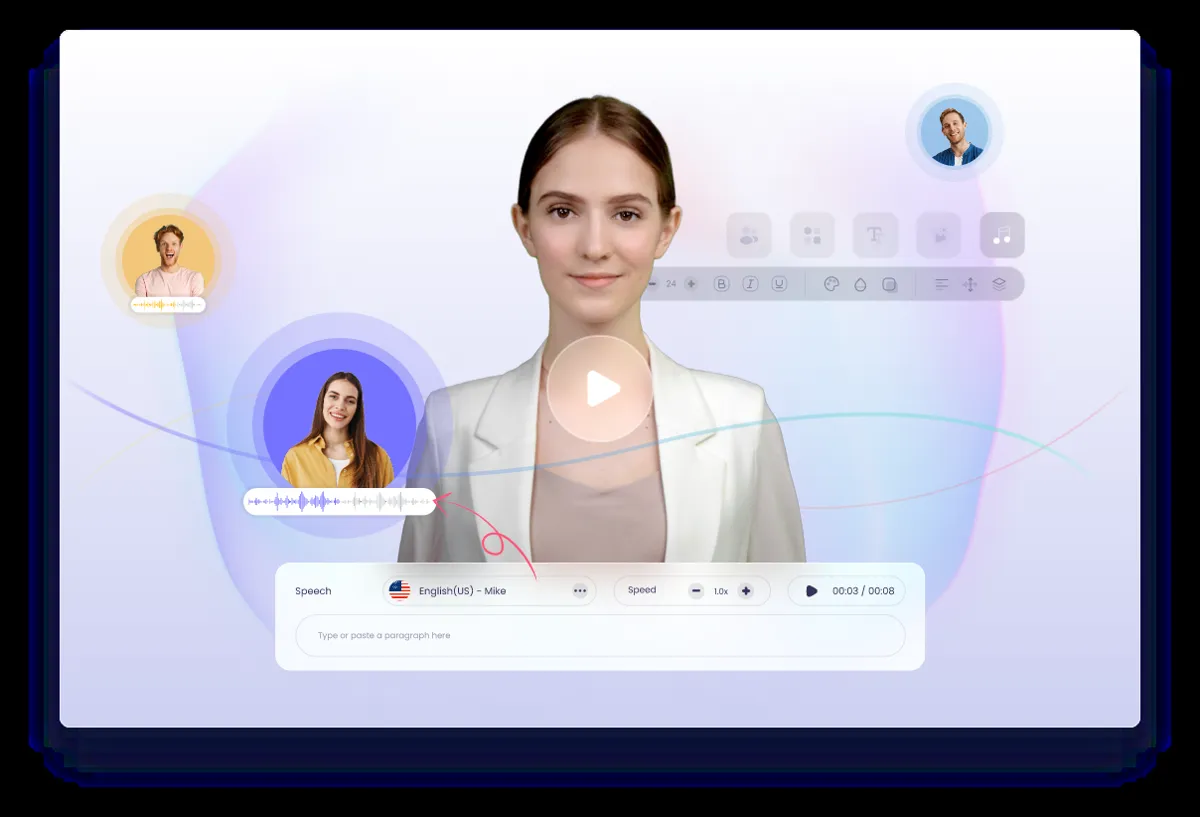
Free AI video generator with AI avatars and AI voices.
AI video translation with subtitles, dubbing and lip sync for 160+ languages.
Ordered by featured status, editorial order, then slug. Inclusion is not a quality or security guarantee.
Choose footage around the final audio
Finish the wording and timing of your audio before committing to a long synchronization pass. A revised word or shifted pause can change the movement needed across an entire phrase. Keep a clean audio reference and note the intended start point. Choose source footage you are authorized to alter, and examine whether the mouth is visible during the important lines. Hands, microphones, profile angles and rapid movement are useful things to include in a trial when they appear in your actual shots.
Check the provider’s documented input requirements before converting files. Keep original frame rates and high-quality sources available so you do not have to work backward from a heavily compressed preview. If there are multiple people on screen, ask how the active face is selected and whether that case is supported at all. Do not assume that success with one centered portrait establishes support for a moving group shot or alternating performers.
Use a short passage that includes both speech and silence. Watch the whole face during the pause, not just the lips during words. Compare the output against the original to see whether expression, identity or surrounding details changed in ways you did not intend. Keep notes with time positions, then decide whether another source shot would be more practical than repeated processing of an unsuitable angle.
Distinguish a constant alignment error from drift that grows through a shot. Compare the start, middle and end against the same reference audio, and note whether a problem appears only after an edit or file conversion. Check the source and output properties in your editor before making manual timing changes. A global offset will not necessarily solve a changing mismatch. Preserve an untouched download so you can identify whether the issue originated in generation or later assembly. This review method helps you ask a provider a precise support question without claiming that every mismatch has the same cause or a universal fix.
Check alignment again after editing
Review the downloaded file, not only the provider’s player. Import it into the intended project and check the first and last audible words. When combining clips, inspect the joins for sudden changes in expression or alignment. Captions can help viewers follow a performance, but they should reflect the actual words and should not conceal a timing problem you have not reviewed. Check on both headphones and the device speakers your audience is likely to use.
Treat the final edit as altered media with its own consent and disclosure needs. Permission to appear in an original recording may not cover making someone seem to perform different words. Agree on the intended use with recognizable participants and avoid false endorsements. Check the destination platform’s labeling requirements and retain an original reference in case context is questioned later. A clean synchronization result is a production outcome, not evidence that a depicted person said or approved the generated performance.
Plan separate versions carefully when a clip will be cropped for different destinations. Check that a vertical crop still shows the mouth and does not cut off a gesture that provides context. Keep captions away from the relevant facial movement and verify their timing after each trim. If the final audio is replaced with a different mix, recheck the spoken timing rather than assuming the song’s overall duration proves alignment. Give each approved version a clear filename and watch the exact file you upload. A correct master does not rule out an accidental offset, wrong crop or outdated caption in a later delivery copy.