7 published tools
AI Rap Voice Generator Tools
Choose the right kind of vocal workflow
An AI rap voice generator may refer to several different processes: turning words into a voice, changing the sound of a recorded performance, or generating vocals as part of a song. Start by deciding whether you already have a rap recording whose timing and expression you want to preserve. Voice conversion and text-to-speech are not interchangeable, and a natural speaking voice does not necessarily deliver convincing rap. Use the provider descriptions to identify the actual inputs and outputs, then test a short passage with the pace and articulation your project needs.
For a recorded input, begin with a clean vocal you are authorized to process and avoid background music where the workflow expects an isolated voice. Listen for consonant clarity, breath handling, pitch stability and unwanted artifacts, especially during fast passages. Check how uploaded recordings and any trained voice model are stored, shared and deleted. A voice being available in a library does not itself establish permission to imitate a person or use the result commercially. Obtain the necessary consent and read the exact provider and model terms before sharing a performance.
Compare vocal workflows using a short authorized recording or an original verse.
Compare AI rap voice generators
Celebrity AI voice and AI video generator.
Create AI covers using thousands of community-uploaded AI voice models.
AI music tools for producers: voice cloning, AI singing voices and instrument conversion, royalty-free.

AI music and voice platform: generate songs, clone voices and split stems.
AI voice song generator for creating covers in any voice, from 100,000+ voices or a clone of your own.
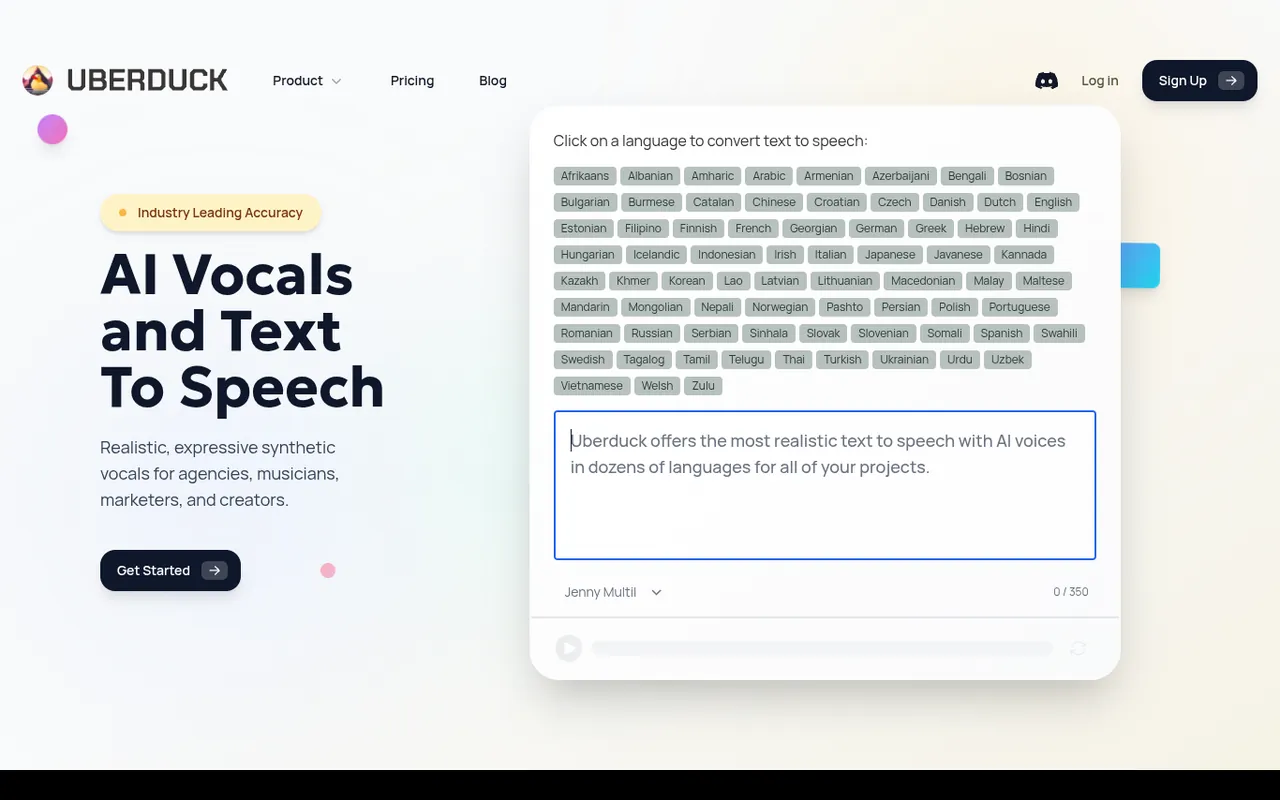
AI vocals, text to speech, voice conversion and voice cloning for music, voiceovers and videos.
AI voice transformation for musicians: create custom voice models and access featured artist voices.
Ordered by featured status, editorial order, then slug. Inclusion is not a quality or security guarantee.
Prepare a controlled vocal comparison
Define whether you need a new delivery from text or a change to a performance you already recorded. For a text-based workflow, prepare an original verse with clear punctuation and several different rhythmic demands. For conversion, keep a clean authorized source vocal and a reference copy of its original timing. Do not compare two services using unrelated performances if your main question is how well they preserve articulation or expression. Consistent source material makes differences easier to understand.
Record or select the test passage in a quiet environment and inspect it for clipping, room noise and overlapping sounds. Follow the provider’s instructions about isolation and processing rather than adding effects by default. Keep an untouched original so you can separate source problems from conversion artifacts. Include a difficult name, a breath and a fast phrase only when those are relevant to the real project; a useful test reflects your intended performance, not an arbitrary stress exercise.
Listen to the result without backing music first, then in context with the intended beat. Noise or unclear consonants may become more apparent in isolation, while timing and balance problems may only become obvious in the mix. Make notes about specific words and time positions. If a workflow offers adjustments, change one setting at a time and keep comparison files rather than relying on a memory of the previous voice.
Check whether a promising isolated vocal still works after the processing you intend to use. Compression, pitch effects and a dense backing track can change how breaths, consonants and noise are perceived. Keep that comparison controlled: apply the same editing chain to each candidate rather than improving one file and judging another untouched. Listen quietly as well as at your normal level, and take breaks when repeated listening makes differences hard to judge. The goal is not to identify the most dramatic transformation but to find a result whose words, timing and expression remain useful in the actual production context.
Treat consent and model privacy as production decisions
Before uploading another person’s recordings, establish permission for processing, model creation and the intended audience. Those are not necessarily the same permission. A collaborator might agree to a private experiment but not a reusable public model or an advertisement. Document the agreed scope and avoid implying that a synthetic performance is a new statement by the original speaker. If the provider cannot explain model access and deletion clearly enough for your project, use different material or a different process.
Review who can access the recordings, whether training use is optional and what happens when an account is closed. Check any voice-specific restrictions alongside the general service license, and retain evidence for the source performance, composition and consent. Keep sensitive or identifying audio out of exploratory uploads unless the policies meet your needs. Technical similarity to a person’s voice does not establish authorization, and an available model name is not proof that its creator had the necessary rights.
Set a boundary for later reuse before creating a model or distributing processed files. Decide whether collaborators may make revisions, generate new phrases or pass the material to another service. Ask how access is revoked if the project ends, and check whether the provider offers controls that match the agreement. Keep consent records separate from publicly shared audio so personal details are not accidentally distributed with an export. If a participant withdraws permission within the terms you agreed, know which project files and published versions need review. Planning reuse is especially important when a trial recording can become material for future synthetic performances.