5 published tools
AI Rap Video Generator Tools
Choose a workflow for your rap video
An AI rap video generator can help turn a creative idea into a visual performance, but the starting point matters. Some workflows begin with a photo and a topic, while others need a finished rap track or a separate video clip. Decide whether you want a face performing to camera, a stylized scene, or visuals for a song you have already made. Read each listing for the recorded scope rather than assuming every tool writes lyrics, creates music and animates a performer in one step. A short test using your own material is a useful way to judge the result.
Before choosing a tool, check its current input requirements, clip length, output shape and download conditions. Listen for clear words and inspect mouth movement during fast syllables, pauses and changes of expression. Plan for editing if a clip needs captions, cuts or a different aspect ratio. Only upload photos, voices and tracks you have permission to use, and read the provider’s retention and commercial-use terms before publishing. This directory helps you discover options; inclusion does not certify performance quality or rights.
Explore the listed workflows, then test a short rap clip with material you own.
Compare AI rap video generators
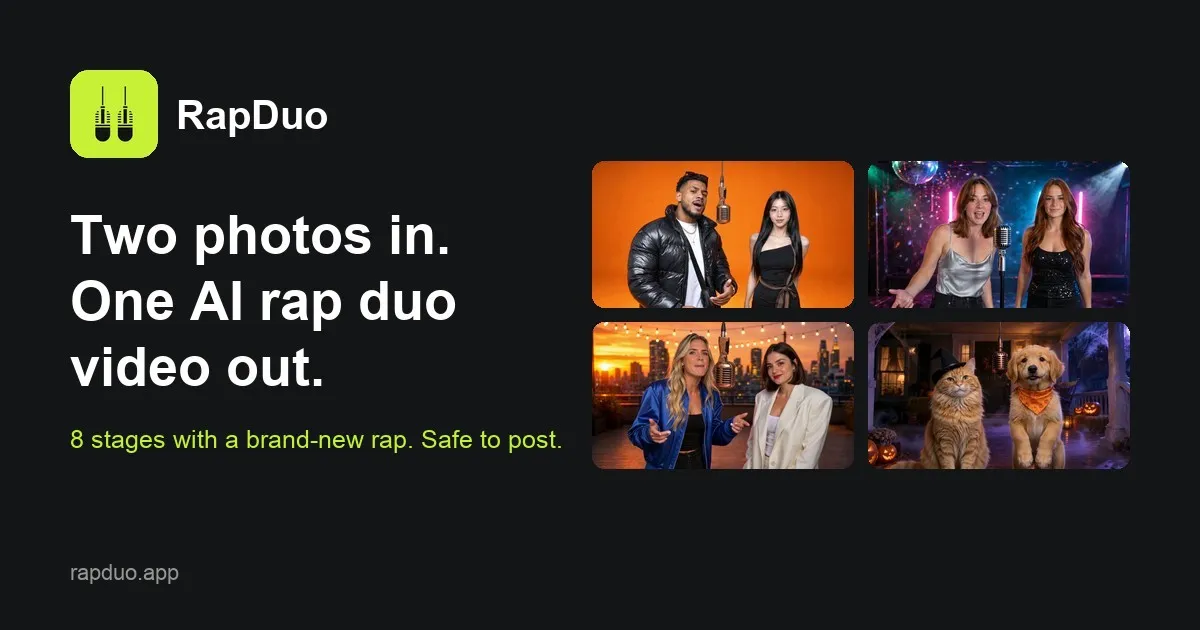
Turns two photos into an AI rap video where the pair trades verses of an original rap on one of nine stages; offers a free 5-second preview.
Hotel Lobby style AI rap video generator for two people: upload two photos, add a topic, and get a lip-synced rap duo video.
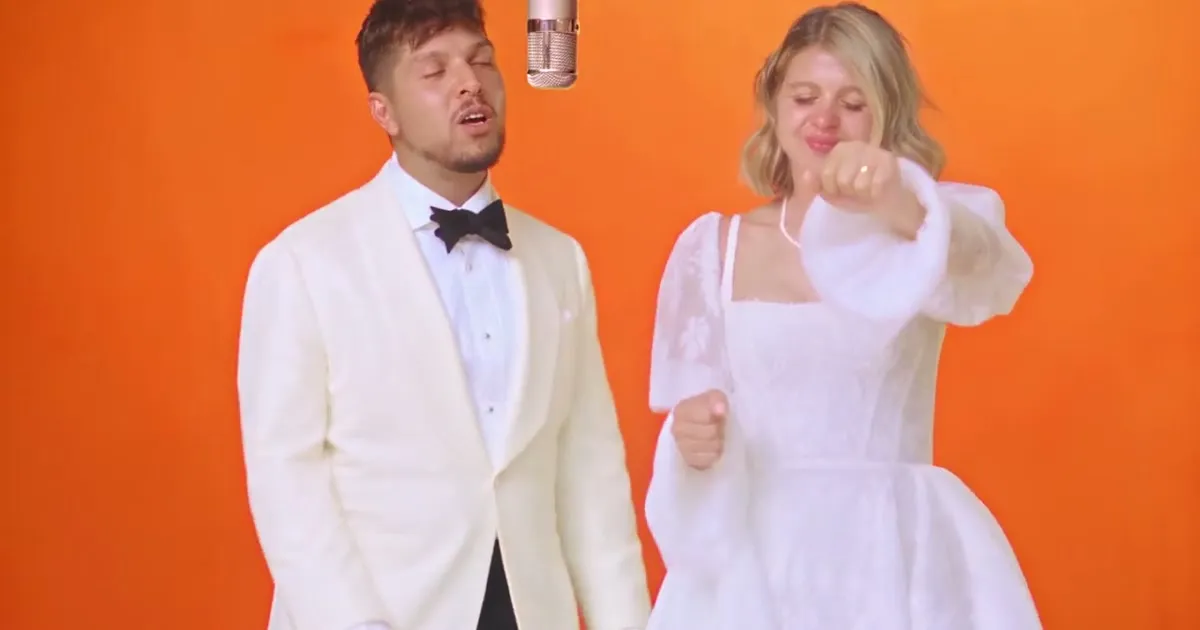
Turns one photo into a 15-second clip of you rapping at a hanging mic, beat and vocals included; runs in the browser.
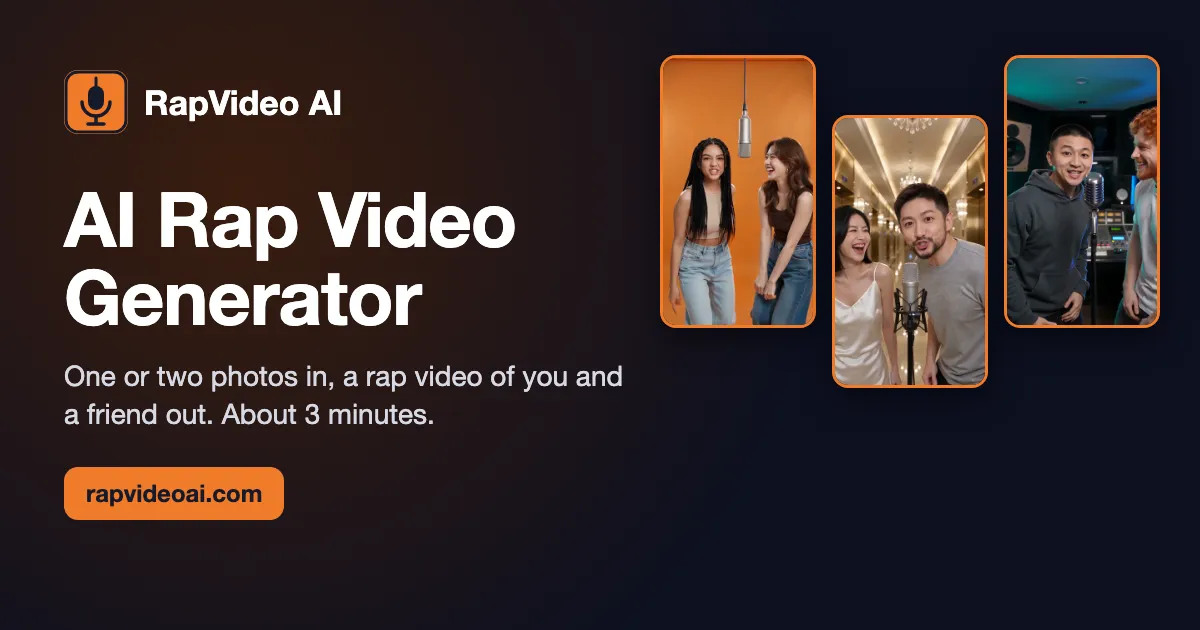
Makes an AI rap video from one or two photos, lip-synced in the Hotel Lobby style, ready in about 3 minutes on a phone.
Upload one photo, describe the rap and pick a beat; the AI writes lyrics, produces a rap track and animates the photo to rap in sync.
Ordered by featured status, editorial order, then slug. Inclusion is not a quality or security guarantee.
Plan a performance before choosing a generator
Write a small production brief that separates the performer, the song and the video. For the performer, decide whether the idea needs one face or an exchange between people, and collect only authorized images. For the song, decide whether you are bringing finished audio or still need words, a beat and a vocal. For the video, choose a destination and describe the framing. This breakdown lets you compare documented workflows without mistaking an attractive example for support for every part of your project.
Prepare a test that contains the hardest part of the performance, not just the easiest opening. Include a dense line, a moment of silence and a change in pace if those occur in your planned verse. Keep the original audio beside the output so you can check timing without relying on memory. Listen with headphones, then watch on a phone-sized display. A face can look convincing in a large preview while important expressions or captions become unclear in the final viewing context.
Before paying for a longer version, trace the path from input to downloadable file. Find out where corrections happen and which steps consume any available allowance. If a workflow cannot replace one section, a small wording change may mean repeating more work than expected. Save your brief, source files and approved text locally so you can revise or move between services without losing your creative decisions.
Plan an accessible version alongside the visual performance. Keep an approved lyric sheet and check whether captions can be added in the generator or need a separate editor. Review line breaks at the pace of the verse, leaving enough time to read a phrase without hiding the performer’s mouth. Do not rely on sound alone to explain who is speaking in an exchange. If a visual change is essential to the joke or story, consider how you will convey that context in the accompanying description. These decisions can affect framing and editing, so make them before committing to a final crop.
Review the clip as a viewer would
Separate technical review from editorial review. Technical review checks synchronization, facial stability, audio alignment and whether the exported file plays correctly in your editor. Editorial review asks whether the verse makes sense, whether a joke depends on private information and whether the depicted person agreed to this context. A technically clean clip can still be inappropriate to share. Get approval for the actual finished performance when another person is recognizable, rather than treating permission for a source photo as unlimited permission.
Keep captions inside the destination platform’s usable area and compare their wording with the audible performance. Recheck the beginning and ending after trimming, because cutting a clip can obscure a word or make a gesture feel misleading. If you add music or other footage afterward, review the combined result and its permissions as a new piece. Keep records of the plan terms and consents you relied on, and follow the destination’s rules for synthetic-media disclosure.
For a collaboration, agree on an approval copy and a single place to record corrections. Identify which version contains the approved words, which image belongs to each participant and which export is meant for publication. Ask reviewers to point to a line or time position instead of requesting a vague improvement. After applying changes, watch the entire clip again; a local correction can alter the surrounding timing. Keep trial files separate from the final delivery folder and give exports descriptive names. This reduces the risk of posting an earlier version that still contains an unwanted lyric, an unapproved likeness or an incorrect caption.