10 published tools
AI Rap Generator and Rap Song Tools
From a rap idea to a song draft
An AI rap generator can be a starting point for exploring a song idea, a hook or a different delivery. Searches for an AI rapper generator often mean a complete vocal performance, while an AI rap song generator may combine a musical backing with generated vocals. Those labels are not a guarantee of identical capabilities. Decide whether you need a complete audio draft, a track built around your own lyrics, or just an instrumental to rap over. Describe the topic, mood, pace and structure in clear language instead of relying only on an artist’s name.
Evaluate the output as a song rather than judging only the opening seconds. Listen for intelligible words, stable rhythm, a useful hook and transitions between sections. Generated lyrics can contain awkward phrases or unsupported claims, so review every line and revise your own writing where the workflow allows. Check whether your chosen plan permits downloads, edits, separate audio parts and the kind of release you intend. Do not assume that an AI-generated track is exclusive, copyright-protected or cleared for every commercial use; provider terms and rights to your inputs still matter.
Start with a clear song brief and compare rap generation workflows before creating a full track.
Compare AI rap song generators
AI music generator for creating original songs, including rap, from a text description or your own lyrics.
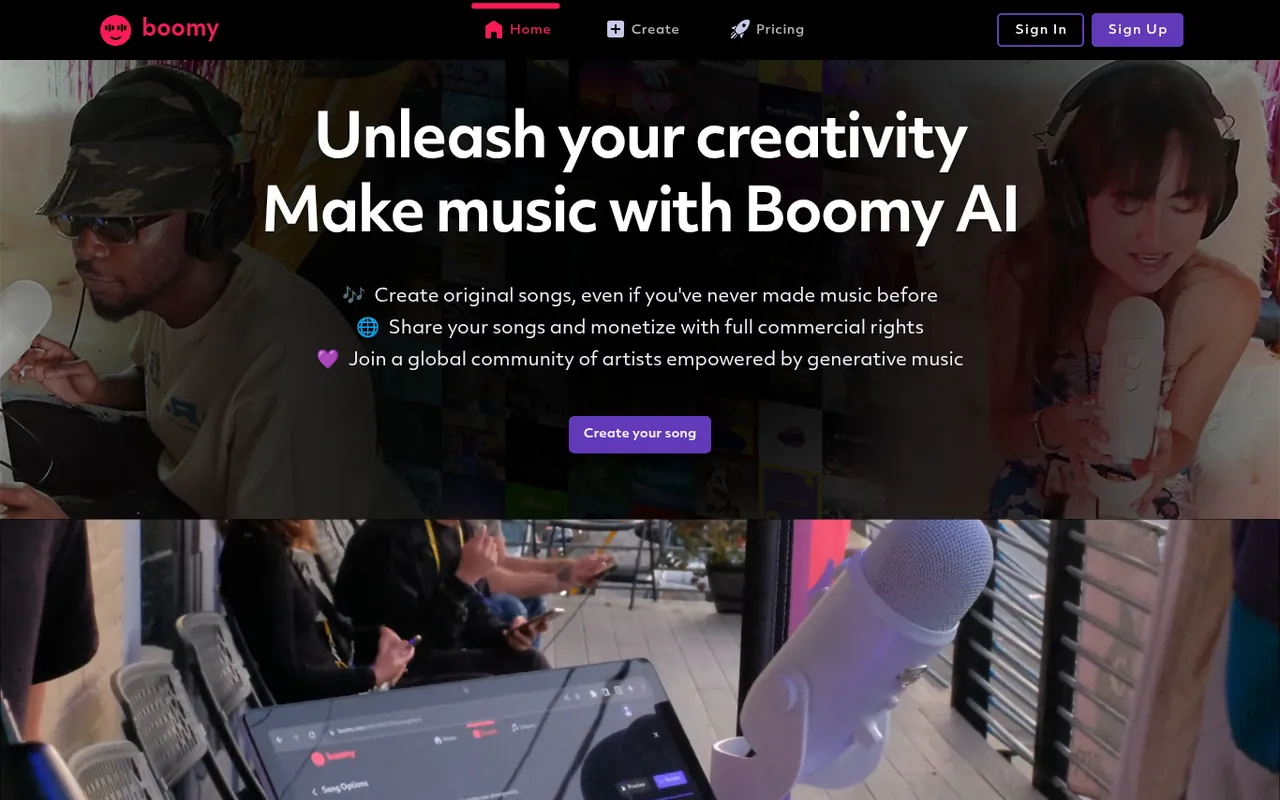
Make generative music with artificial intelligence.
Text-to-music generator that creates songs, instrumentals and melodies, including full songs with vocals.
Google's generative AI platform for creating, remixing and sharing songs (formerly Riffusion).
Online AI song generator for vocal and instrumental creation, with free credits for new users.

Creates full songs, vocals, lyrics and instrumentals from text prompts.
Royalty-free AI music generator covering beats, lyrics and vocals.
Text-to-song app that creates customized songs, including hip-hop, from a few keywords.
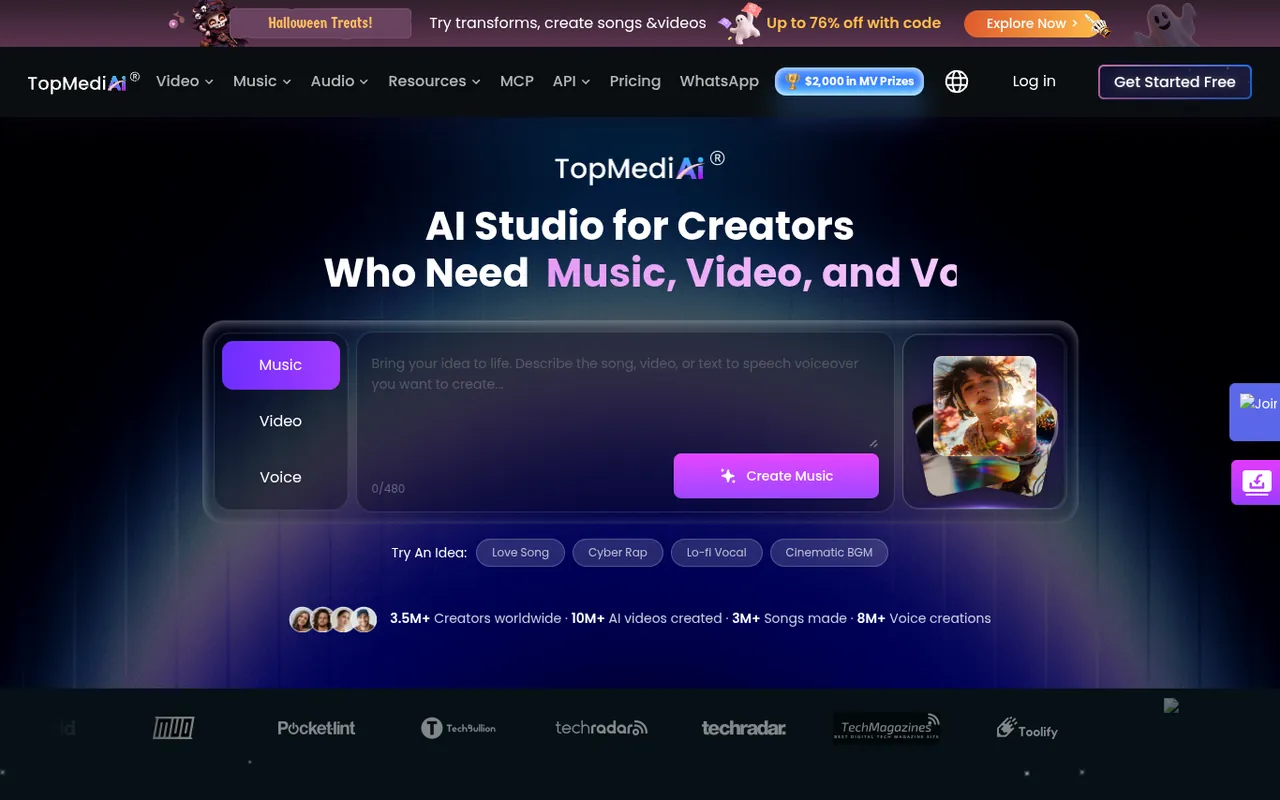
All-in-one platform for AI video, music and voiceover creation.
AI music generator for creating and sharing music from a description or custom lyrics.
Ordered by featured status, editorial order, then slug. Inclusion is not a quality or security guarantee.
Build a song brief you can evaluate
Start with the job of the song. A rough writing demo, a backing track for a live performance and a public release need different levels of control. Define the topic, emotional direction and intended structure in plain language. Note what must remain fixed, such as your own hook, and what you are willing to change. This makes it easier to distinguish a workflow that helps you explore ideas from one that gives you the editing access your final project requires.
Separate lyric revision from sound selection. If you change the topic, pace, vocal direction and arrangement together, it becomes difficult to tell which change helped. Keep a copy of the prompt and supplied words for each trial, then note concrete issues: an omitted line, an unclear name, a crowded bar or a weak transition. Compare versions using the same listening setup. Louder audio can seem more impressive without being a better performance or a more useful arrangement.
Read the lyrics while listening to the generated performance. Mark words that differ from the intended text and phrases that could be misunderstood without context. A verse may need fewer syllables rather than more elaborate instructions. Where the provider supports revision, test a focused correction before recreating the entire track. If it does not, decide whether the remaining editing work is practical in a separate recording or music-production workflow.
Decide how to handle names, unusual spellings and words whose meaning depends on pronunciation. Put them in a short test passage before building the whole song around them. Compare the audible result with the intended wording and consider rewriting an unclear phrase in your own language rather than treating a phonetic workaround as final lyrics. Keep any experimental spelling out of the published lyric sheet unless it is intentional. If the track switches between spoken and melodic sections, test the transition as well. This gives you a concrete basis for judging whether the workflow suits your writing instead of only its general vocal tone.
Prepare a draft for a release decision
Listen through the whole arrangement with notes about the beginning, section changes and ending. Check whether the hook arrives clearly and whether repeated sections develop the idea or simply repeat it. Test a quiet playback level to see whether the vocal remains understandable. If you need stems for mixing, verify their actual availability and inspect the files rather than assuming a download button includes separate vocals and instruments.
Keep creative approval separate from release clearance. Review any recognizable melodies, borrowed phrases, samples and depicted or imitated identities. Read the terms that apply to the plan used to create the output, including attribution and distribution restrictions. A license from a generator does not necessarily settle copyright ownership, exclusivity or the permissions for material you uploaded. Save the relevant terms with your project records and check your distributor’s requirements before scheduling a release.
Prepare a handoff folder if another person will mix, record over or edit the draft. Include the approved lyrics, a reference mix, any authorized separate parts and a note about the intended structure. Label generated experiments clearly so collaborators do not mistake them for cleared masters or source recordings. Ask what files they actually need before buying access to an export option. Check that a revision has not changed the arrangement length or replaced a previously approved phrase. A clear handoff preserves creative decisions and makes it easier to identify which remaining work belongs in the generator and which belongs in recording or editing.