9 published tools
AI Music Video Generator Tools
Match your song to a visual workflow
An AI music video generator is most useful when you know what the video should do for the song. You might want abstract motion that follows the rhythm, a sequence of narrative scenes, a lyric-led edit, or a performer on screen. These are different production tasks, and a general video generator may require you to assemble short clips manually. Start with a finished audio excerpt, a visual brief and a target aspect ratio. Use the recorded descriptions here to distinguish music-focused workflows from broader video tools rather than assuming they all synchronize automatically to your track.
Compare how much control you need over timing, scene changes and recurring characters. A visually striking sample may not demonstrate consistency across a full song, so test a verse-to-hook transition before committing to a larger project. Check output duration, resolution, editing access and whether you can download a clean file. Budget for revisions and final assembly in an editor when necessary. Confirm rights to the music, reference images and any recognizable likenesses, and review the provider’s current terms before releasing the video commercially.
Choose a visual direction and compare the tools against a short section of your song.
Compare AI music video generators
AI creative suite for generating images, videos and voice content from text prompts or references.

CapCut's AI video and image generator powered by multiple models, for social content and visual storytelling.
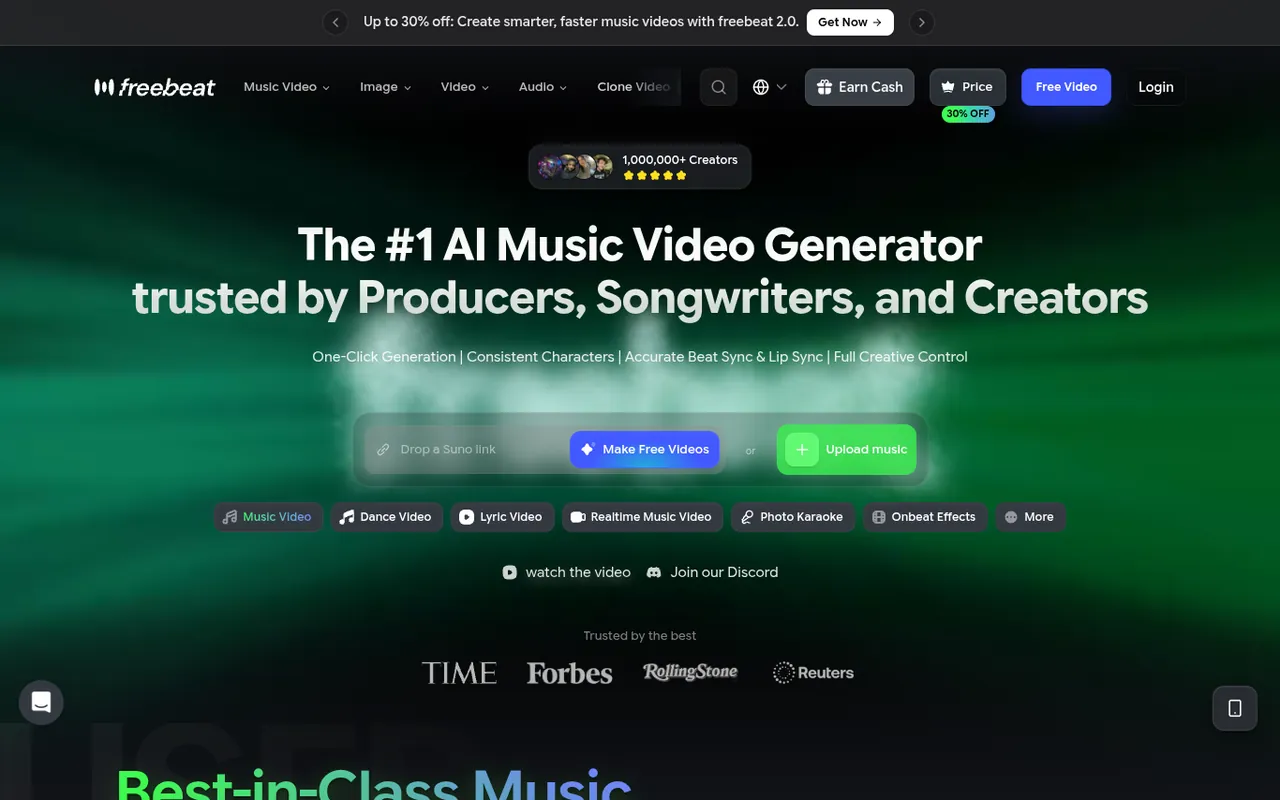
Creates AI music videos from a song with rhythm-synced visuals, consistent avatars and lip sync; also dance and lyrics videos.
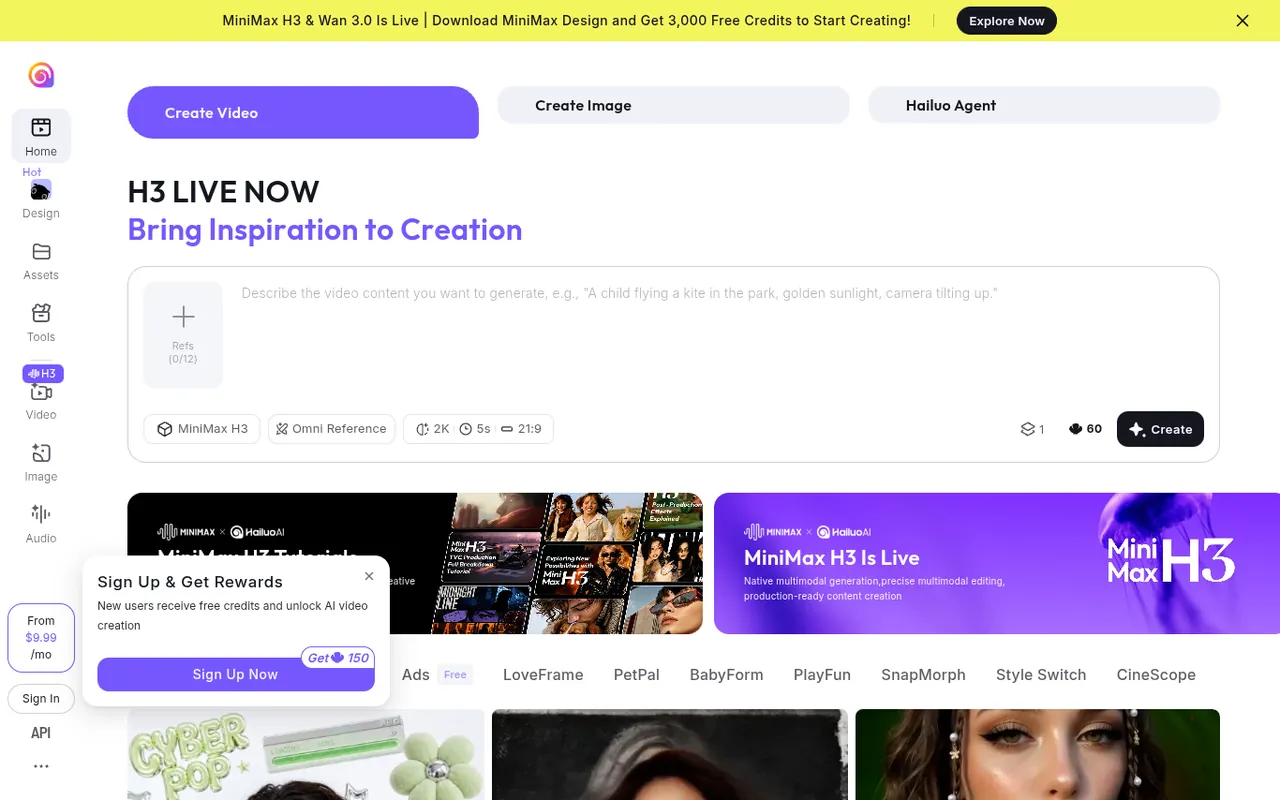
MiniMax's AI video and image generator that creates videos from text or photos.
AI video and image generator that turns text, images and references into video in one studio.

Generates songs from text, prompts, voice or humming and turns tracks into music videos; includes an AI rap generator.

Audio-reactive AI music video platform: upload a song, generate synced visuals and edit every frame.
All-in-one AI video generator with audio, plus AI music, image and voice tools.
Chat with an AI music agent to turn ideas, lyrics or audio into songs, visuals and music videos.
Ordered by featured status, editorial order, then slug. Inclusion is not a quality or security guarantee.
Turn the track into a practical shot plan
Mark the song’s sections before generating visuals. Write down where the introduction, verses, hooks and ending begin, then give each section a visual purpose. A hook might return to a recognizable setting while a verse advances the story. You do not need a new image for every word. A short shot plan helps you decide where continuity matters, where an abstract transition is enough and where a recurring face would require especially careful review.
Build a reference brief around framing, movement, setting and mood rather than an unbounded list of visual adjectives. Use images you are permitted to upload, and distinguish a reference for color from a reference depicting an identifiable person. Make a rough sequence with placeholder timings in your editor if you have one. That can reveal whether the concept needs more footage than the documented generation limits allow, before you spend time producing polished individual scenes.
Test the most demanding transition first. A cut between two unrelated abstract scenes and a cut between two views of the same character have different continuity needs. Keep a note of which details must remain stable, such as clothing or location, and which may intentionally change. If the workflow offers reusable settings, record them; if it does not, plan editing choices that do not depend on exact visual repetition.
Make a scene budget in terms of useful shots, not just total running time. Identify the shots that must communicate a story detail and those that can act as flexible transitions. For each, note whether it needs a recognizable subject, deliberate camera movement or a specific point in the music. Then compare that requirement with the provider’s documented controls and revision process. Keep a simpler fallback for a scene that cannot be made reliably, such as an authorized static image or a different edit. A practical fallback helps preserve the song’s structure without chasing an exact visual idea indefinitely.
Avoid continuity and finishing problems
Watch a rough cut with the complete audio rather than reviewing every clip in isolation. Scene motion can feel too busy during a dense vocal or too slow during a musical change even when each shot is appealing on its own. Check whether cuts support the track and whether transitions interrupt important words. View with sound muted as well to spot abrupt changes in faces, objects and movement that the music may distract you from.
Reserve time for finishing work: trim boundaries, inspect text, align any lyrics and check the final encode on the device your audience will use. Repeated compression can make an already complex scene harder to read. Keep a high-quality authorized audio master separate from experimental video exports, and confirm which file is actually being published. Clear the music recording, composition, samples and visual inputs independently; access to a video-generation service does not resolve those separate rights.
Review accessibility and visual intensity across the assembled sequence. Look for rapid flashes, abrupt brightness changes and text that disappears before a viewer can read it. Avoid using continuous motion merely to fill a quiet part of the song. If lyrics are included, check spelling and timing against the approved lyric sheet and leave space for platform controls. Consider a lower-motion edit when the concept permits it, rather than assuming every musical accent needs a visual effect. Describe important visual context in accompanying copy where useful. These are editorial choices you can assess regardless of which service produced the individual scenes.