7 published tools
AI Beat Maker Tools
Find a backing track that leaves room for your flow
An AI beat maker can help explore a backing track before you record a verse, but a useful rap instrumental needs more than an appealing loop. Think about tempo, drum feel, bass movement and how much space the arrangement leaves for your voice. Decide whether you need a short idea, a complete instrumental or audio you can continue editing in a workstation. The tools in this category cover different music workflows, so check their recorded scope rather than assuming every listing generates custom drum patterns or exports separate parts. Start with a specific mood and arrangement brief.
Listen to transitions, repeated sections and the relationship between the kick and bass before choosing a beat. Try a rough vocal over it to see whether the rhythm supports your delivery. If further production is important, verify the current export formats, stems, editing controls and download conditions. Read the license for the particular use you intend: background use in a video, releasing a song and redistributing an instrumental may have different rules. Descriptions such as royalty-free do not automatically mean unrestricted use, exclusive ownership or permission to resell the output.
Choose a tempo and mood, then compare backing-track workflows for your next verse.
Compare AI beat makers
Stability AI's audio toolkit for creating music and sound with commercially-safe models.

Royalty-free AI background music generator for videos, podcasts and games.
AI music generation assistant for composing music.

AI music platform to create, remix, master, split stems and release royalty-free tracks.
AI music generator that creates royalty-free music from text prompts.
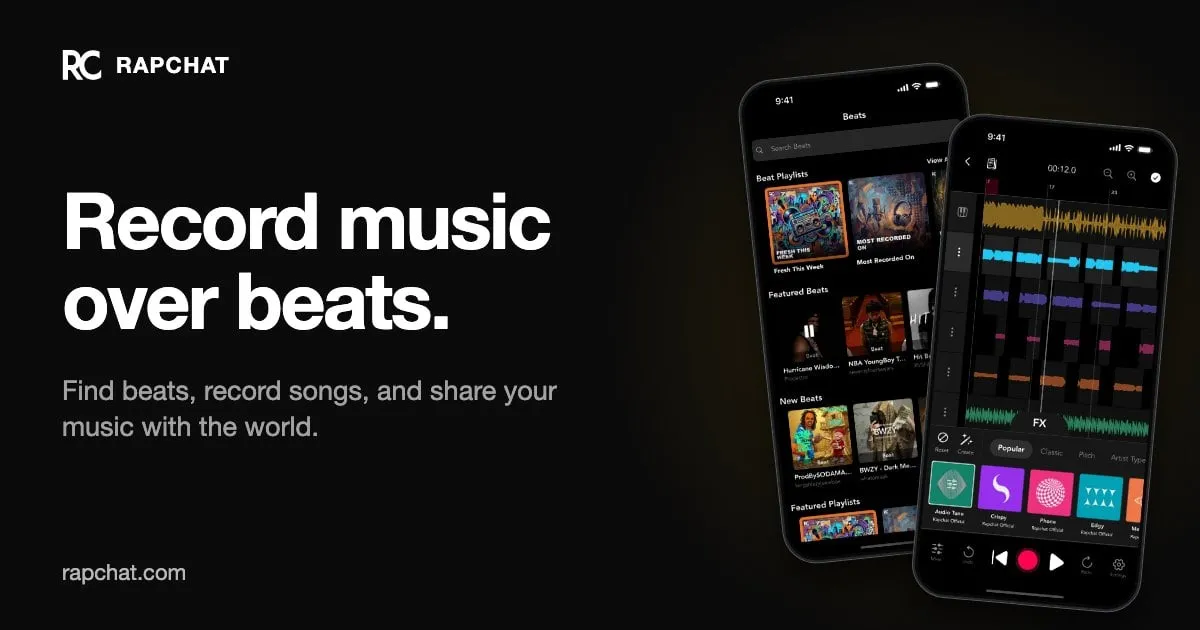
Find beats, record songs over them, collaborate with artists and share music.
AI music generator for royalty-free beats: customize instruments and download stems.
Ordered by featured status, editorial order, then slug. Inclusion is not a quality or security guarantee.
Choose a beat in the context of a vocal
Start with the delivery you want to record. A sparse, conversational verse and a dense, rapid performance may need different amounts of rhythmic and melodic space. Describe pace, drum character and the emotional role of the backing instead of requesting a copy of a particular recording. Decide whether the output is a writing sketch or something you need to continue mixing. That choice determines how important editable parts and reliable downloads are to your comparison.
Test an instrumental with a rough vocal early. Listen for places where the bass, percussion or melody competes with important words, and check whether the groove supports your natural stresses. Keep playback levels comparable between candidates. A louder or busier mix may stand out in a preview but be harder to use under a voice. Mark the sections where you want an element removed rather than assuming the only solution is a completely different beat.
Map the arrangement before deciding it is ready. Note where the verse begins, how the hook is introduced and what happens near the ending. Count sections in the way you will use them while recording, and check that changes are intentional rather than accidental interruptions. A repeating loop can be useful writing material, but extending it into a complete song may require arrangement work that the generation workflow does not provide.
Pay attention to the space around section changes, not only the strongest drum pattern. Try entering the verse at different points and listen for whether the backing gives a clear cue. Decide where a break or reduced arrangement would help the listener hear an important line. If the provider offers structural controls, test those specific changes; if not, check whether your authorized export can be arranged elsewhere. Keep notes about useful sections rather than discarding an entire idea because one transition is weak. A beat that supports the performance consistently may be more practical than an impressive opening with no workable path to a full song.
Plan the handoff to recording and release
If you will work in an audio workstation, verify the available file types and inspect any separate parts before committing to the workflow. Check that stems begin at compatible positions and retain a reference mix for alignment. Keep an untouched export alongside edited versions so you can identify where later problems were introduced. If only a finished mix is available, decide whether that gives you enough control for your recording rather than assuming vocals can always be balanced afterward.
Read the license for the exact way you intend to use the music. Posting background audio in a video, releasing a song with your vocal and distributing the instrumental alone can raise different questions. Check attribution, permitted platforms and restrictions on resale or automated rights claims. Save the relevant terms with the project, clear any additional samples and do not describe the result as exclusively yours unless you have a basis for that claim. Generation access and release clearance are separate decisions.
When recording vocals, retain a reference of the instrumental exactly as it was used during the session. Later substitutions can change accents, section lengths or the balance that shaped the performance. Label tempo and structural notes only when you have established them, and check alignment rather than trusting a filename. Before final delivery, listen for clipped peaks, abrupt endings and unwanted silence in the actual exported mix. Check playback on more than one device and keep the pre-publication master separate from compressed sharing copies. These finishing checks do not require claims about the generator; they help ensure that your own production decisions survive the handoff.